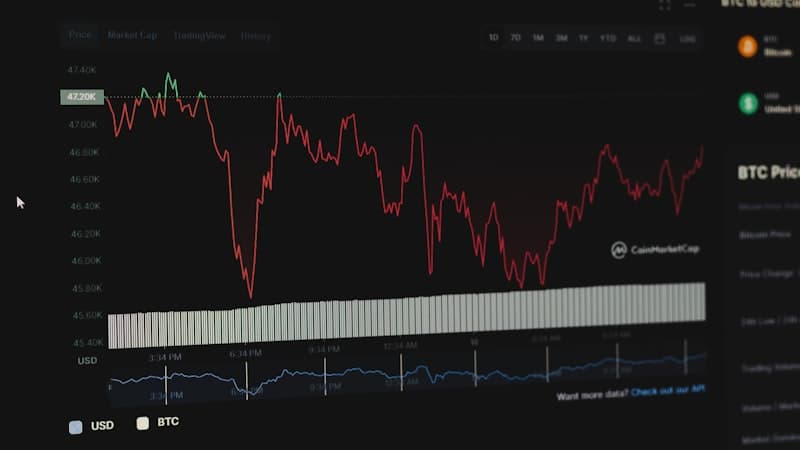
Last year, a client came to us with a problem that's surprisingly common. They had a trading dashboard built with basic HTML tables and Chart.js. It worked fine when the dataset was small. But as their user base grew and data volume increased, everything started breaking. Sorting was slow. Filtering lagged. Exporting to Excel took forever. Their users were complaining, and the dev team was spending more time patching the UI than building new features.
We rebuilt their dashboard using DevExtreme, and the difference was immediate. Not because DevExtreme is magic, but because it solved the exact category of problems they were drowning in.
What DevExtreme Actually Is
DevExtreme is a commercial UI component library made by DevExpress. It gives you pre-built, enterprise-grade components for Angular, React, Vue, and jQuery. We're talking data grids, pivot grids, charts, schedulers, form builders, tree lists, and about 70 other components.
The key word there is enterprise-grade. These aren't weekend-project widgets. They're designed for applications where you're displaying thousands of rows, running complex filtering logic, and users expect Excel-like functionality in the browser.
DevExpress has been building UI components since the late 1990s. They started with Delphi and .NET desktop controls, which means their components carry decades of thought about how business users actually interact with data. That heritage shows.
When DevExtreme Makes Sense
Not every project needs it. If you're building a marketing website or a simple CRUD app with a few forms, DevExtreme is overkill. You'd be pulling in a large library for problems you don't have.
But there are situations where it saves a serious amount of time and money.
Data-heavy admin panels. If your application involves viewing, editing, sorting, filtering, and exporting large datasets, the DevExtreme DataGrid alone can save you 3-4 months of custom development. It handles virtual scrolling (rendering only visible rows), server-side operations, column reordering, inline editing, master-detail views, and Excel/PDF export out of the box.
Scheduling and calendar applications. We built an appointment scheduling system for a healthcare-adjacent client. The DevExtreme Scheduler component handled recurring events, timezone conversions, drag-and-drop rescheduling, and multiple calendar views (day, week, month, agenda). Building that from scratch would have been its own project.
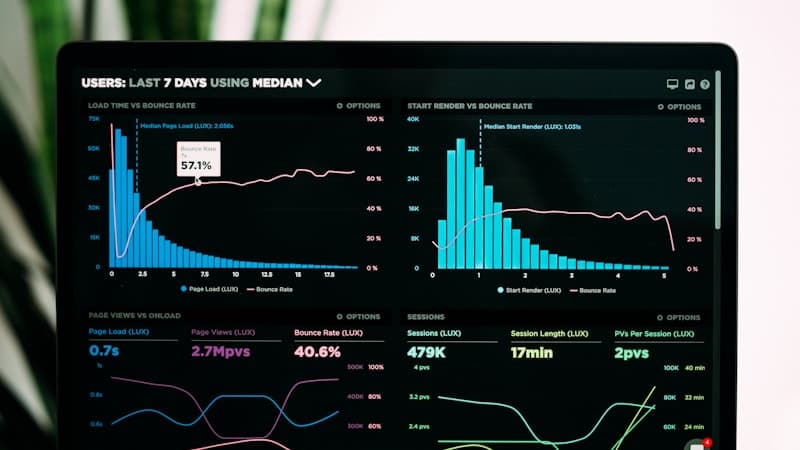
Dashboards with mixed visualizations. When you need charts, gauges, maps, and grids on the same page, all pulling from the same data sources, DevExtreme's consistent API makes the pieces work together without a lot of glue code.
Reporting tools. PivotGrid gives your users the ability to slice and dice data in ways that usually require a separate BI tool. We've used it to replace expensive third-party reporting subscriptions for clients who just needed basic pivot table functionality.
How It Works with Angular and React
This is where DevExtreme earns its keep for us. It has native implementations for both Angular and React (not just wrappers around jQuery, which is what some competitors do).
For Angular, DevExtreme components work as proper Angular modules. They support Angular forms, change detection, and dependency injection the way Angular developers expect. The two-way binding works naturally. If your team already knows Angular, the learning curve is more about DevExtreme's API than fighting framework integration issues.
For React, the components are proper React components with hooks support. State management works through controlled and uncontrolled patterns. They play nicely with Redux, Context API, or whatever state management approach you're using.
We've used DevExtreme extensively with both frameworks. In our experience, the Angular integration feels slightly more mature (DevExpress has a long history with the .NET ecosystem, and Angular's architecture aligns more closely with that heritage). But the React implementation has caught up significantly and is perfectly solid for production use.
Real Projects Where We've Used It
We've deployed DevExtreme in trading platforms, inventory management systems, and internal business tools. A few patterns come up repeatedly.
In a trading platform, we used the DataGrid for order history and position tracking, charts for price visualization, and custom templates within grid cells to show real-time status indicators. The grid's ability to handle 50,000+ rows with virtual scrolling was essential. Users could filter by date ranges, symbols, order types, and export filtered results to Excel for their own analysis.
For an inventory management system, the TreeList component was perfect for displaying hierarchical product categories. The DataGrid handled the actual inventory records with batch editing capabilities, so warehouse staff could update quantities for multiple items without navigating between pages.
In an admin portal for a SaaS product, we combined the Form component (which generates forms from data models), the DataGrid for user management, and the Chart components for usage analytics. The consistent look and feel across all these components meant the UI felt cohesive without custom CSS gymnastics.
Why DevExtreme Over Alternatives
We get asked about this a lot. The main competitors are AG Grid, Syncfusion, Telerik (Kendo UI), and building custom components from scratch.
AG Grid is excellent specifically for data grids. If your project is primarily about one complex grid, AG Grid might actually be the better choice. But if you need grids AND charts AND schedulers AND form builders, AG Grid only covers one piece. DevExtreme covers all of them with a unified design language.
Syncfusion offers a similar breadth of components. We've used both. Syncfusion's licensing model is more generous for small teams, but we've found DevExtreme's documentation and API consistency to be stronger. This matters more than you'd think when a project runs for 12+ months and the team needs to reference docs constantly.
Building from scratch is always an option, and sometimes it's the right one. If you need a highly custom interaction pattern that doesn't map to any existing component, a library will fight you more than help you. But for standard enterprise UI patterns (and that covers the vast majority of business applications), custom-building a data grid with sorting, filtering, grouping, virtual scrolling, and export is a 4-6 month effort. DevExtreme gives you that on day one.
The Tradeoffs
DevExtreme isn't free. Licensing costs run roughly $1,500-2,000 per developer per year, depending on the package. For a team of five, that's a real line item.
The bundle size is also significant. If you import everything, you're adding meaningful weight to your application. DevExtreme supports tree-shaking, so you can import only the components you use. We always configure this carefully.
There's also a design constraint. DevExtreme components have their own visual style. You can theme them (DevExpress provides a theme builder), but making them look exactly like a custom design system takes work. For projects where pixel-perfect custom design is a priority, budget for this customization effort.
And once you build on DevExtreme, you're committed. Migrating away means rebuilding every component that uses it. That's true of any component library, but it's worth stating clearly.
When We Recommend It
Our general rule: if a project has three or more of these characteristics, DevExtreme belongs in the conversation.
- Large datasets (thousands of records displayed in grids or tables)
- Complex data interactions (filtering, sorting, grouping, inline editing)
- Multiple visualization types needed (grids + charts + calendars)
- Enterprise users who expect desktop-application-level functionality
- Timeline pressure that doesn't allow months of custom component development
For simpler projects, we stick with headless UI libraries and build custom. For the complex stuff, DevExtreme has saved our clients significant time and money across dozens of projects.
If you're building something that involves heavy data display and interaction, we're happy to take a look and tell you whether DevExtreme fits your specific situation. Get in touch and we'll give you a straight answer.